运作方式
创建你的资料
你的游戏、游戏风格,以及你实际游玩的时间。
获得匹配
适合你 The Quest of Ki 游玩方式的玩家和群组。
一起开玩
内置语音、预约场次,一支队伍。
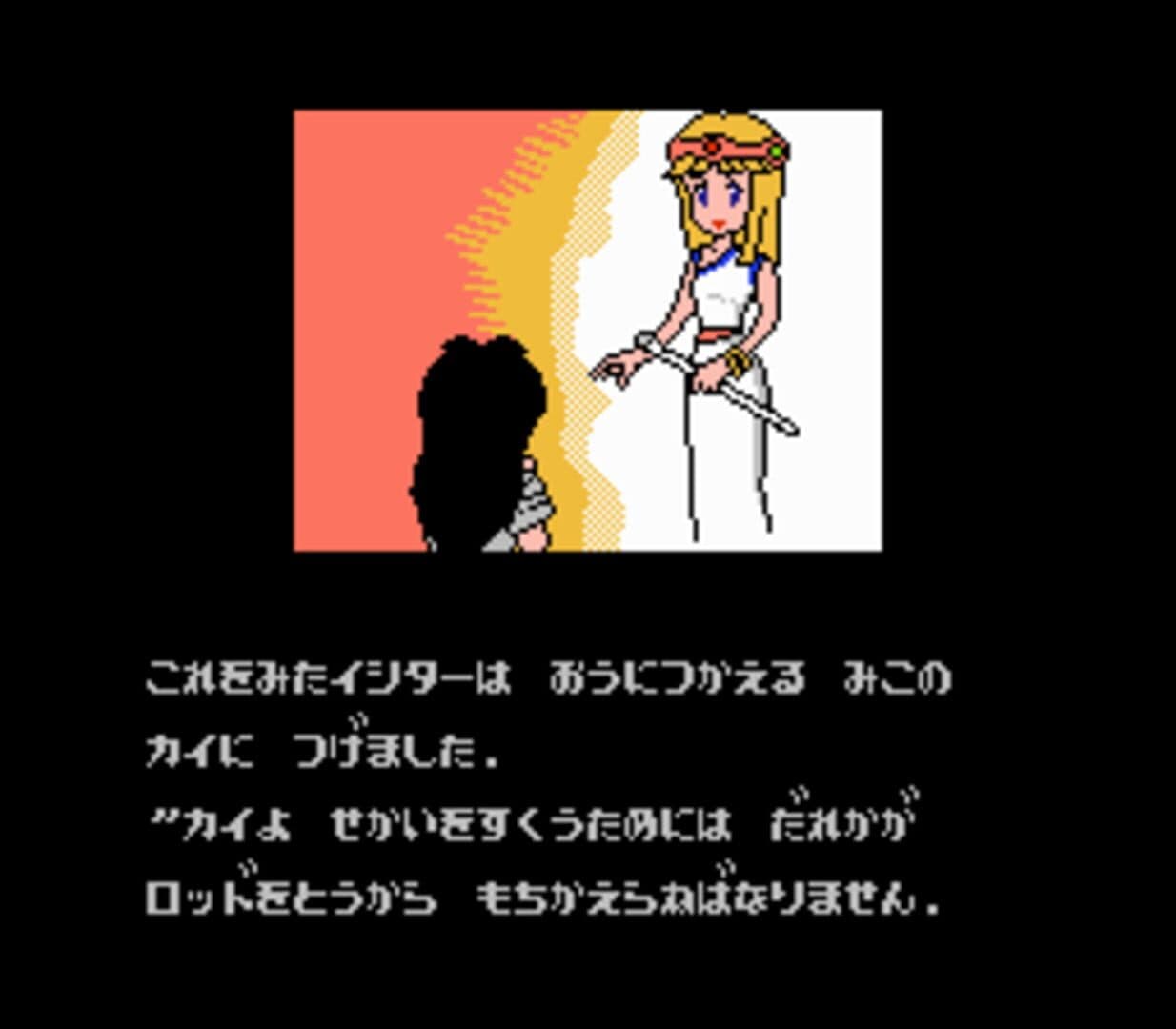
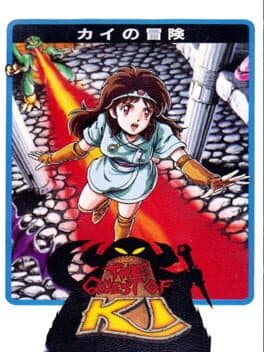
The Quest of Ki is a 1988 video game developed by Game Studio and published by Namco for the Family Computer. It is the third game in Babylonian Castle Saga series which started with the 1984 arcade game, The Tower of Druaga. The story of The Quest of Ki is actually a prequel to the original Tower of Druaga. It occurs shortly after the demon Druaga has stolen the Blue Crystal Rod and taken it to his tower. The goddess Ishtar sends the priestess Ki to the tower in order to retrieve it. The game then follows her doomed quest to the top of the tower, and leads directly into the story of the original game. The game is a side-scrolling platformer with one hundred levels. In each level, the player's goal is to pick up a key and open the door leading to the next area. Various enemies, including slimes, ghosts, and wizards, appear on each floor, and any contact with them results in death. Ki has no weapons, and thus can not damage or defeat any of the enemies. Her only abilities are to dash and jump. As long as the player holds the jump button down, Ki can rise indefinitely into the air. However, contact with the ceiling will cause her to drop to the ground and become stunned for several seconds. Many of the levels consist of puzzles in which the player must carefully regulate the height and direction of Ki's jumps. Each stage in the game contains one or more treasure chest, which hold various items. Although many of the items bestow helpful abilities, the effects only last for the floor on which they were found. After completing the game, players can gain access to forty bonus stages. These stages contain cameos from the Pac-Man ghosts and the enemies from Dig Dug.
Game Studio · 1988年8月22日
支持平台
游戏模式
如何找到一起玩 The Quest of Ki 的人?
创建免费的 WildStack 资料,设置你的游戏风格和空闲时间,开始为 The Quest of Ki 寻找队友。或者浏览已经在寻找玩家的群组。
能找到我所在时区的 The Quest of Ki 群组吗?
可以。匹配会考虑你的空闲时间。设置你游玩的时间段,WildStack 会为你匹配日程重合的玩家和群组。
WildStack 有 The Quest of Ki 场次的语音聊天吗?
每个群组都自带语音频道。无需安装额外应用,点击加入即可开聊。
需要下载什么吗?
不需要。WildStack 直接在浏览器中运行:匹配、群组、场次规划和语音功能一应俱全。