使い方
プロフィールを作成
プレイするゲーム、プレイスタイル、実際にプレイする時間帯を設定します。
マッチングされる
Outcore: Desktop Adventureのプレイスタイルに合ったプレイヤーやグループとマッチングします。
一緒にプレイ
標準搭載のボイスチャット、予約セッション、ひとつの仲間。
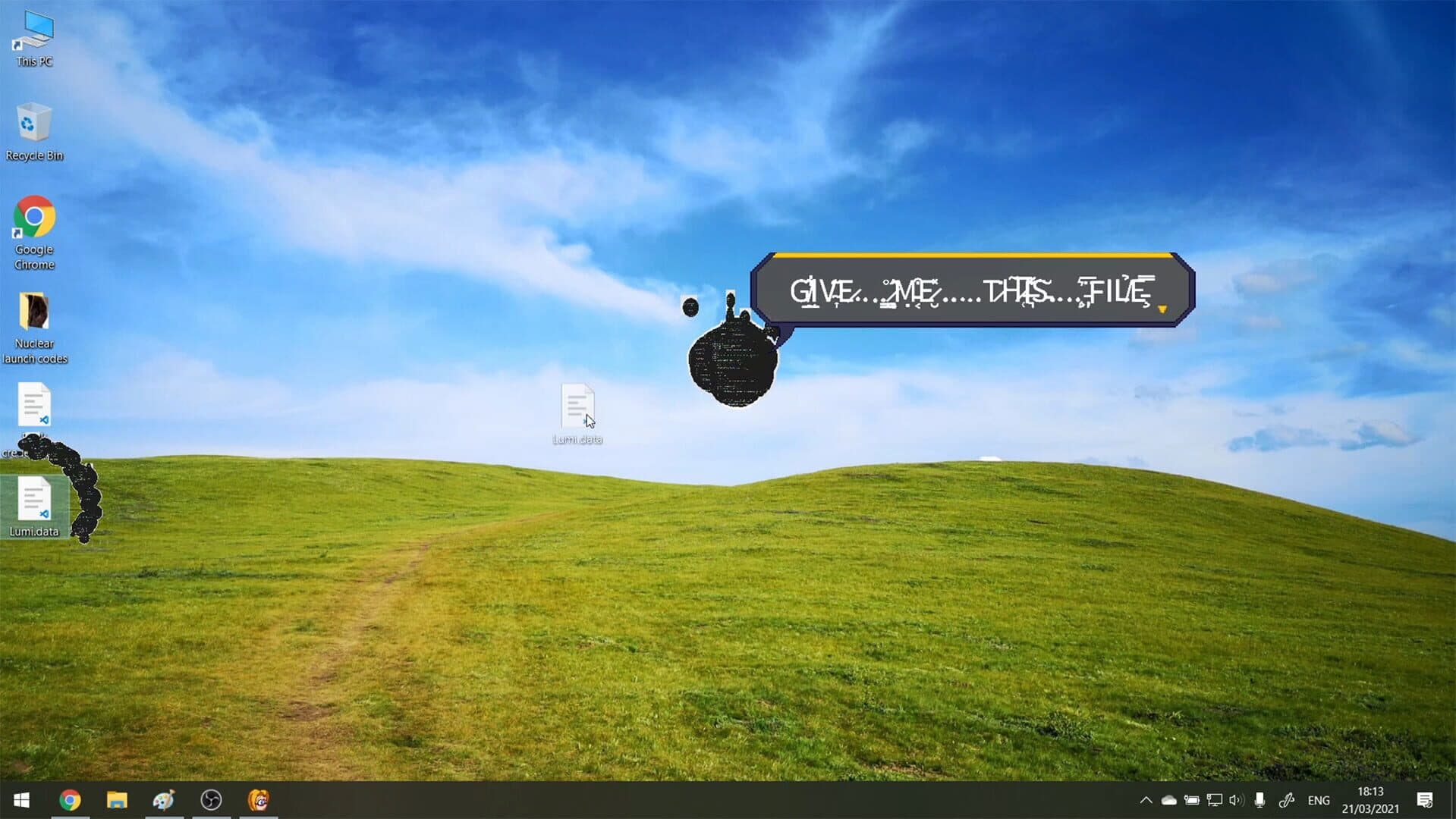
All you wanted was a nice game. But now you find yourself opening Windows apps like Paint & Notepad to solve puzzles, and searching for files on your computers that you didn't put there... Who is she? Why did she appear on your desktop? Let's dive into her memories and find out.
Doctor Shinobi · 2022年9月26日
対応プラットフォーム
ゲームモード
視点
A girl named Lumi appears on your desktop. Lost and without memories, Lumi has no way to get home. Help Lumi uncover her past by working together. Find lost memory files, fight bosses, interact with your computer, and discover the secrets of Lumi's past.
Outcore: Desktop Adventureを一緒にプレイする人はどうやって見つけますか?
WildStackの無料プロフィールを作成し、プレイスタイルと空き時間を設定して、Outcore: Desktop Adventureのマッチメイキング検索を始めましょう。すでにプレイヤーを募集しているグループを閲覧することもできます。
自分のタイムゾーンでOutcore: Desktop Adventureのグループを見つけられますか?
はい。マッチングは空き時間を考慮して行われます。プレイする時間帯を設定すると、WildStackがスケジュールの合うプレイヤーやグループとマッチングします。
WildStackにはOutcore: Desktop Adventureセッション用のボイスチャットがありますか?
すべてのグループに標準でボイスチャンネルが付いています。追加アプリのインストールは不要です。参加ボタンを押して話すだけです。
何かダウンロードする必要がありますか?
いいえ。WildStackはブラウザで動作します。マッチメイキング、グループ、セッションの計画、ボイスチャットすべて含まれています。