Find people to play with in Lords of the Realm III
Matchmaking, groups, and planned sessions for Lords of the Realm III — join for free
RTSSimulatorStrategyActionFantasyHistoricalWarfare
How it works
Create your profile
Your games, playstyle, and the hours you actually play.
Get matched
Players and groups that fit how you play Lords of the Realm III.
Play together
Built-in voice, planned sessions, one crew.
About Lords of the Realm III
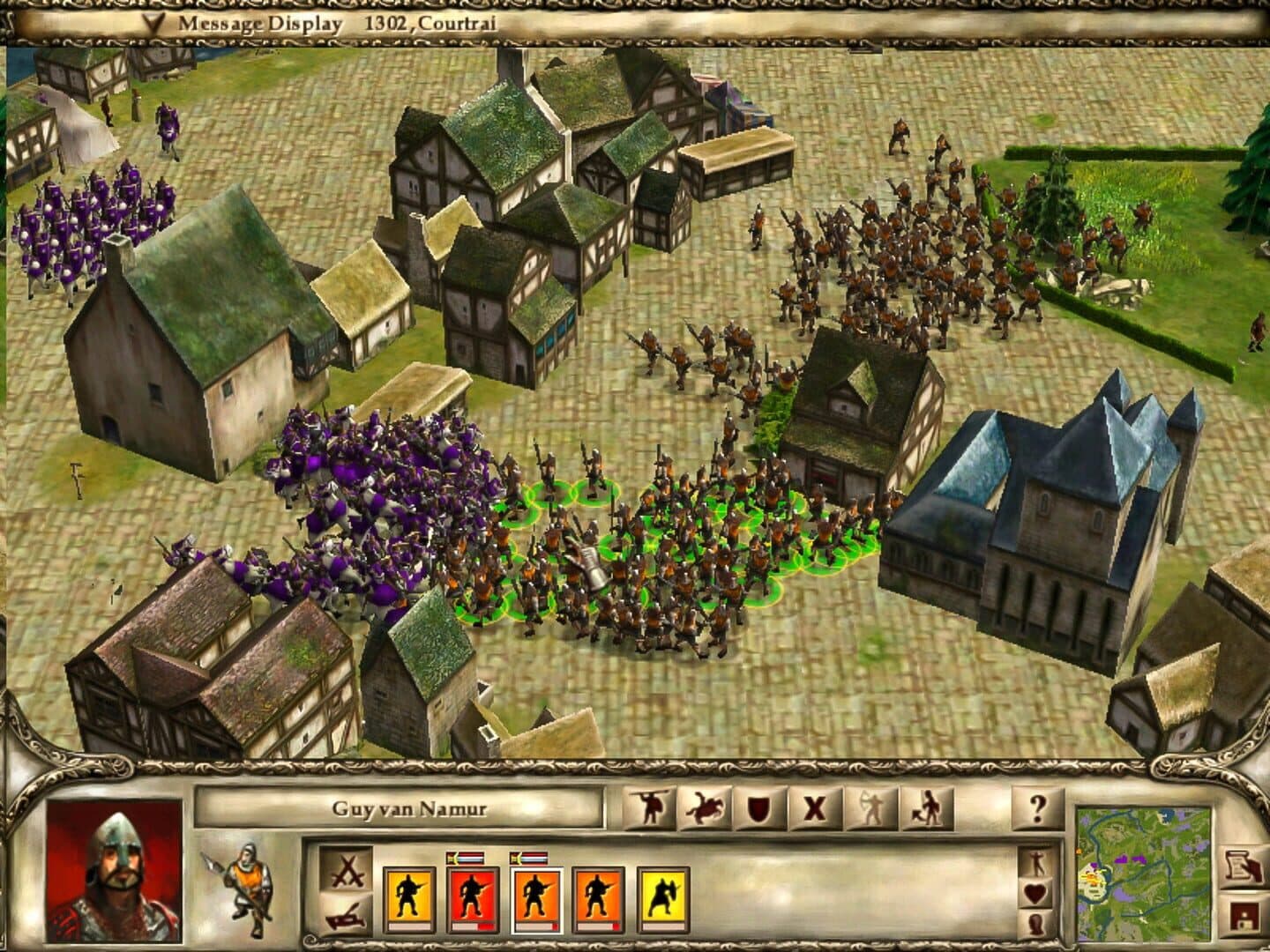
At the start of a game, the player must choose a noble by either selecting one of the default nobles or creating a new one. Nobles act as user accounts within the game, wherein completed campaigns and saved games are local to each noble. A noble consists of three customizable features: housename, portrait, and heraldry. Once a noble is selected, the player can choose to play a campaign or battle map, or load a saved game. While all the battle maps are available when a noble is created, the campaigns require that the player complete each level in sequence.
Impressions Games · December 31, 2004
Available on
PC (Microsoft Windows)
Game modes
Single playerMultiplayer
Perspective
Third person
Screenshots
FAQ
Playing Lords of the Realm III on WildStack
How do I find people to play Lords of the Realm III with?
Create a free WildStack profile, set your playstyle and availability, and start a matchmaking search for Lords of the Realm III. Or browse groups already looking for players.
Can I find a Lords of the Realm III group in my timezone?
Yes. Matching is availability-aware. You set the hours you play and WildStack lines you up with players and groups whose schedules overlap yours.
Does WildStack have voice chat for Lords of the Realm III sessions?
Every group gets built-in voice channels. No extra apps to install. Press join and talk.
Do I need to download anything?
No. WildStack runs in your browser: matchmaking, groups, session planning, and voice included.
Find players in similar games




Join the queue